How to Install Mods on a Windrose Server
Windrose currently has no Steam Workshop and no built-in modding tools. Luckily there are already a bunch of mods and installation methods available. In this guide we'll walk you through every method to install mods on a Windrose dedicated server.
! Before Modding: Back Up Your Server !
Mod Types: What's currently available
Windrose mods come in three types with different installation paths and server compatibility:
PAK Mods
LUA Mods
Windrose+ Mods
The critical distinction: Most PAK mods must be installed on both the server and every connecting client. If a player's mod files don't match the server exactly, they'll get kicked or experience broken assets. WindrosePlus is entirely server-side, players can connect without the client mods.
Where to Find Windrose Mods
Nexus Mods: The first marketplace available after release. Free account required to download mods.
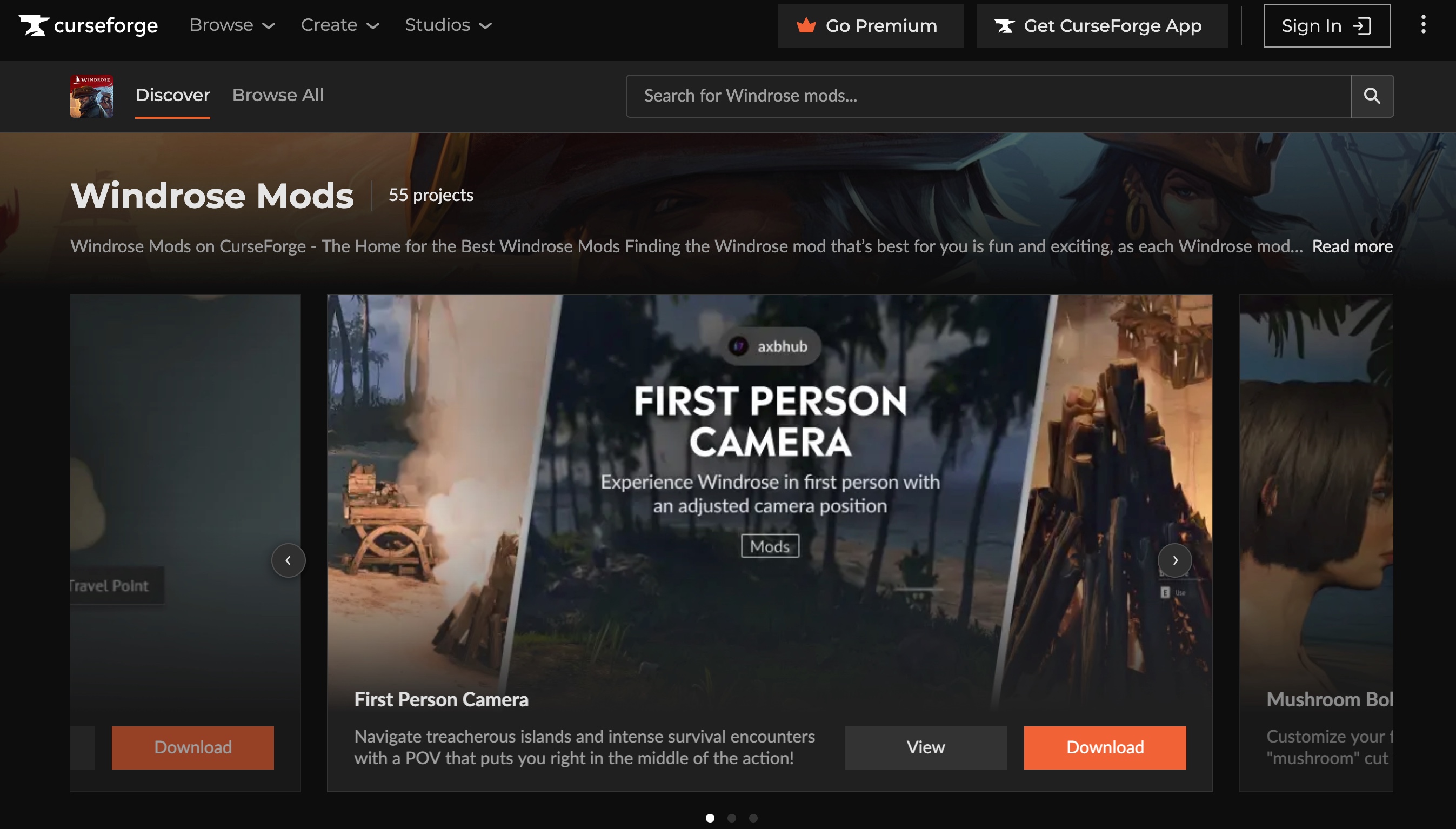
CurseForge: They just added support for Windrose. Nice since you can use the CurseForge App for automated install and updates.
(WindrosePlus): This is mostly a server framework but offers modding capabilities.
Method 1: Installing PAK Mods (Most Common)
PAK files are Unreal Engine asset packages. This is the standard installation method for the majority of Windrose mods.
Server-Side Installation
Stop your server. Windrose rewrites config files on shutdown — installing mods on a running server risks file corruption.
Download the mod from Nexus Mods or CurseForge. You'll get a
.zipor.7zarchive.Extract the archive so you have the raw
.pakfile(s).Navigate to the mod folder on your server:
R5/Content/Paks/~mods/The tilde (~) prefix is required. If ~mods doesn't exist, create it. A folder named mods without the tilde will not be recognized by the game.
Upload the .pak file(s) into ~mods/. If the mod includes .ucas or .utoc companion files, upload those to the same folder.
Start the server.
Alternative path: Some dedicated server configurations use R5/Builds/WindowsServer/R5/Content/Paks/ instead. If mods don't load from the standard path, try this one.
Client-Side Installation (Required for Most Mods)
Almost every PAK mod must also be installed on each player's local machine. The path mirrors the server:
<Steam Library>/steamapps/common/Windrose/R5/Content/Paks/~mods/To find this folder: right-click on Windrose in Steam → Manage → Browse Local Files.
Players must have the exact same mod files and versions as the server. Mismatched versions cause connection failures or missing assets.
Method 2: UE4SS and Lua Mods
UE4SS (Unreal Engine 4/5 Scripting System) enables Lua script mods that modify game behaviour at runtime without replacing any game files. This makes them more resilient to game updates than PAK replacements.
Installing UE4SS on the Server
Stop your server.
Download the latest Windrose UE4SS release from Nexus Mods.
Extract and upload the contents to:
R5/Binaries/Win64/Now start the server. A UE4SS.log file should appear in R5/Binaries/Win64/ue4ss/ after successful installation.
Installing Lua Mods
Once UE4SS is installed, place each Lua mod folder into:
R5/Binaries/Win64/ue4ss/Mods/Each mod follows this structure:
ue4ss/Mods/
 ExtendedFeast/ scripts/ main.lua
 AnotherMod/ scripts/ main.lua
Method 3: CertiFried Windrose Mod Manager
The community-built CertiFried Windrose Mod Manager (available on Nexus Mods) automates the manual PAK installation process. It can:
Auto-detect your Windrose game folder
Download and install mods from Nexus
Create backups before making changes
Sync mods to a remote dedicated server via SFTP/SSH
Manage mod versions and updates
This is the most user-friendly option for players running multiple mods. For server operators, the SFTP support means you can push mod updates to your remote server directly from your local machine (for example to your HypeServ Windrose Server :p).
Warning: The CertiFried Mod Manager was disabled on NexusMods yesterday due to issues with a new Windrose release. As of now, the mod is still not back up on NexusMods.
What's Coming Next
Official modding tools are on the Windrose developer roadmap, with Steam Workshop integration the most likely form. We're also looking closely at curseforge's implementation for windrose and will try to update this guide once the curseforge app works more smoothly with windrose.


 Product